Hand Off an Audio or Video Copy Without Losing Its Context
A colleague who receives a media file should not have to guess which recording it contains or what they are supposed to do with it. If you prepare an available MP3 or MP4 copy through Y2Mate, keep the source, version and intended use clear. This is especially important for recordings you own or are authorized to share as part of a project.
A handoff is more than a successful transfer. The recipient may need a listening preview, a reference video or material suitable for another edit. Those are different requirements. A convenient downloaded copy can serve one purpose well without being the right source for every later stage of the project.
Agree on what the recipient needs
Before choosing a format, ask what will happen next. Someone reviewing an interview's wording may only need audio. Someone checking a demonstration may need the picture and sound together. An editor who must make further changes may need original recordings or a project file rather than a compressed delivery copy.
These questions prevent a common mistake: sending the easiest file to produce instead of the file the recipient can use. They also keep format selection grounded in a real task. A larger file is not automatically more appropriate, and a familiar MP3 extension does not establish edit quality.
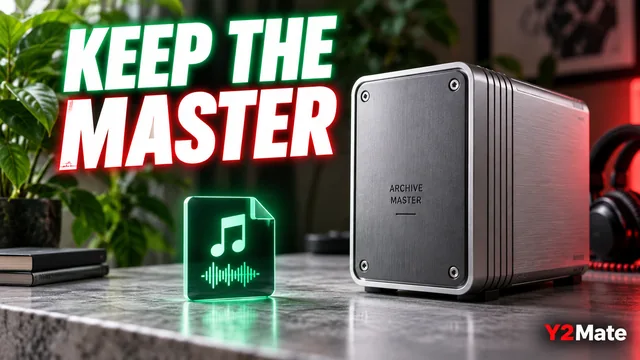
The article on listening copies and original recordings explains why retaining the master matters even when a smaller delivery file is convenient.
Preserve source and version context
A short handoff note can identify the recording, the version and the purpose. For example: “Interview review copy from the second edit; please check the wording of the final answer.” That note tells the recipient what to listen for without inventing a technical quality claim.
Include relevant source context in the project record so that the file can be traced later. For your own material, this might be the original recording date or project name. For material shared under permission, retain the permission context where the project team can understand it.
The technical ability to download a recording does not establish permission to redistribute it. Confirm that sharing fits the rights and conditions applicable to your project before sending the copy. A filename or converter label cannot make that decision for you.
Choose a useful name without changing the format
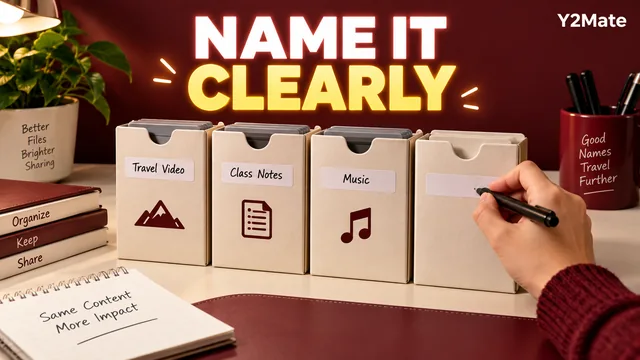
Name the descriptive part of the file so that the recipient can distinguish it from other versions. Preserve the real extension. A label such as interview-review-v2.mp3 is clearer than several files named final, provided your team understands what version two represents.
Renaming a file does not change its encoded contents or turn a listening copy into a master. It also does not necessarily update embedded media tags shown by a player. Inspect the actual item and keep the filename consistent with the accompanying note.
The media filename checklist offers practical examples while keeping naming, conversion and metadata editing separate.
Check the recipient's playback requirements
Different players and devices can support different media combinations. An MP4 extension alone does not identify every video and audio stream inside the file. If the recipient has a specific device or workflow, confirm those needs before assuming that a copy which plays on your phone will work there.
On the YouTube downloader page, verify the source and review the options actually offered. Do not promise an output that is not available or claim universal compatibility. If the required format cannot be produced through the available route, return to the original project and an appropriate export workflow.
For a new collaboration, one short test copy can be more useful than a large batch. Ask the recipient to confirm that it opens and serves the intended purpose before preparing the rest of the material.
Open the exact copy you will send
Check the final named file after the browser transfer completes. Listen or watch a recognizable opening, a meaningful middle passage and the ending. Confirm that the copy matches the source and version described in your note. Do not rely on testing an earlier version in a different folder.
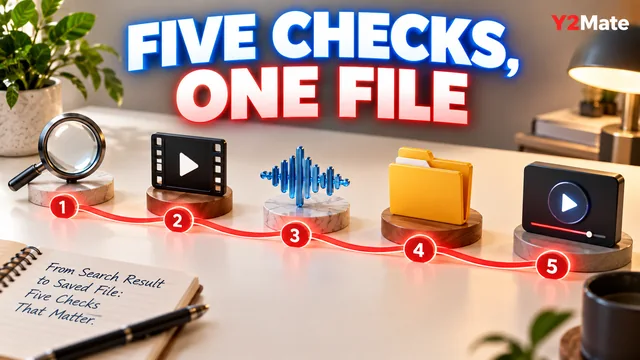
- Correct source and permission to share.
- Clear purpose: listening, review, reference or another agreed use.
- Recognizable filename with the genuine extension preserved.
- Relevant version and source note.
- Completed transfer and verified playback.
- Original project material retained where needed.
If you change the file after checking it, repeat the relevant check on the changed version. Otherwise, the evidence you have belongs to a different copy from the one being handed over.
Close the handoff with a clear next action
Tell the recipient what response is useful: confirmation that the file opens, comments on a passage, or approval of a particular edit. Avoid making them guess whether the file is merely for reference or ready to publish.
A good handoff is modest and precise. It sends the right copy, explains its role and preserves the information needed to find the original later. That small amount of context can save far more time than another round of ambiguous downloads and renamed versions.