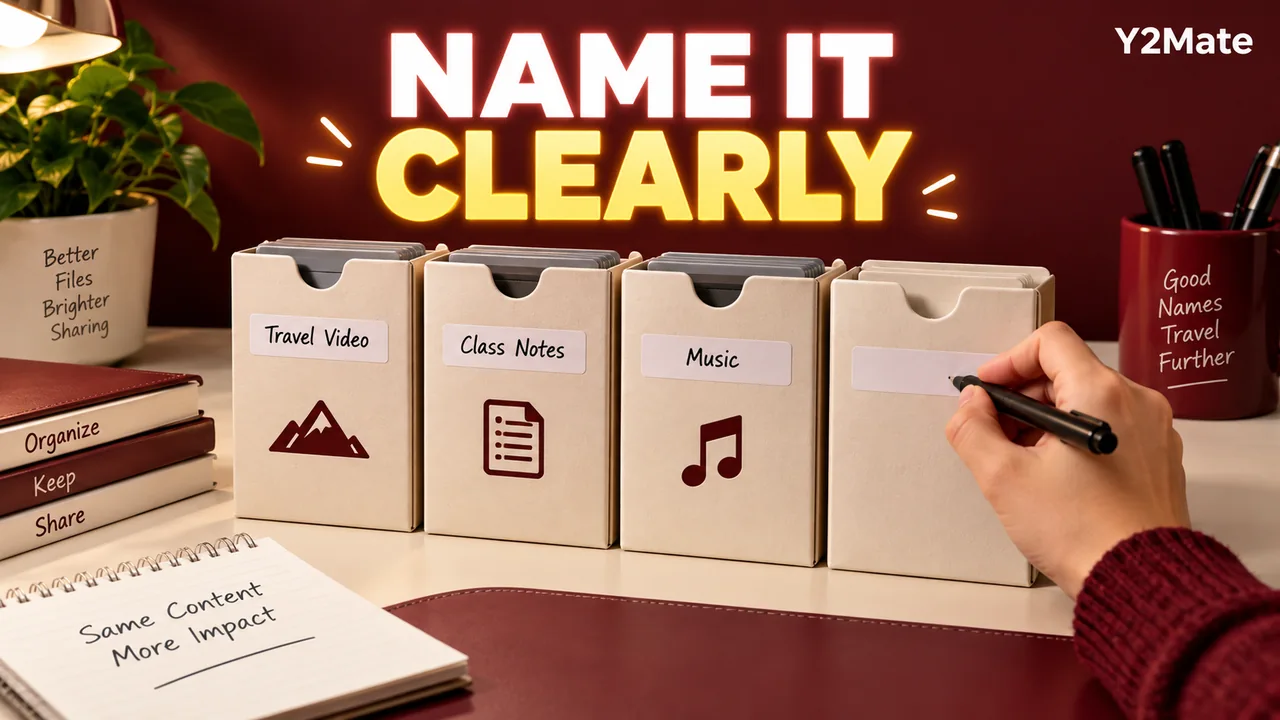
Give a Downloaded File a Useful Name Before You Share It
A file called download-3.mp3 may be understandable for a few minutes and confusing a week later. Before sharing your own recording or another copy you are authorized to distribute, give it a name that explains what it is. If you prepared an available file through Y2Mate, a clear filename helps connect the downloaded media to the source and purpose you had in mind.
The aim is not to cram every detail into a long title. It is to make the copy distinguishable from other versions while preserving its actual extension. A short, meaningful name plus a small project note is often easier to use than a filename filled with repeated words such as final, new and latest.
Name the content and the purpose
Imagine handing a colleague an interview from a project you both own. The useful details might be the project, the speaker and whether the file is a listening preview or an approved edit. A name such as garden-interview-listening-copy.mp3 is more informative than audio-final-final2.mp3.
If dates matter to the project, use a consistent date convention that everyone understands. If versions matter, choose a simple version label and explain it in the accompanying note. These are organizational suggestions, not technical requirements imposed by MP3 or MP4.
Keep the name reasonably short for the devices and tools involved. The recipient should be able to distinguish the file without opening it, but the filename does not need to become a complete transcript of the project history.
Preserve the real extension
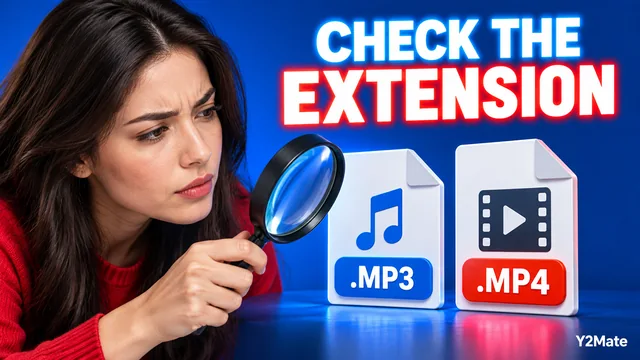
The extension identifies the file type in its name. When you rename a verified media copy, change the descriptive portion and keep the genuine ending intact. An MP3 listening copy should not be renamed to MP4 in the hope of turning it into a video.
Renaming is not conversion. It does not rewrite the audio or video streams inside the file. It also does not necessarily edit the title or artist information that a media player reads from embedded tags. A player may show a stored media title even after you change the filename, so inspect the actual file when organizing it.
If you are unsure what the real extension is on Windows, the file-type checking article explains how to make extensions visible before changing a name.
Distinguish previews from working originals
A convenient audio download might be suitable for listening while the editor needs the original recording or project. Put that distinction in the name or accompanying message. Do not describe a compressed preview as a master merely because it is the only file in the current folder.
For example, interview-review-v2.mp3 says more about purpose than interview-best.mp3. A video named workshop-reference.mp4 can be distinguished from a presentation export without making an unsupported claim about its quality.
The project handoff checklist explains what else to keep with the file: source context, the intended use and the version being shared. None of these labels creates permission to redistribute material you do not have the right to share.
Keep source notes outside the filename
Some information is too detailed for a short name. You may need to record where the source came from, which edit was selected or which passages a reviewer should check. Put that context in a project note or the handoff message rather than expanding the filename indefinitely.
For a recording you own, the note can identify the original project and explain that the shared file is a listening copy. For material shared under permission, retain the relevant permission context with the project. The act of saving a file through a downloader does not, by itself, establish redistribution rights.
When starting from the YouTube downloader page, confirm the correct source before the transfer. A beautifully named file is still misleading if it contains a different upload or version from the one the recipient expects.
Verify the renamed copy before sending it
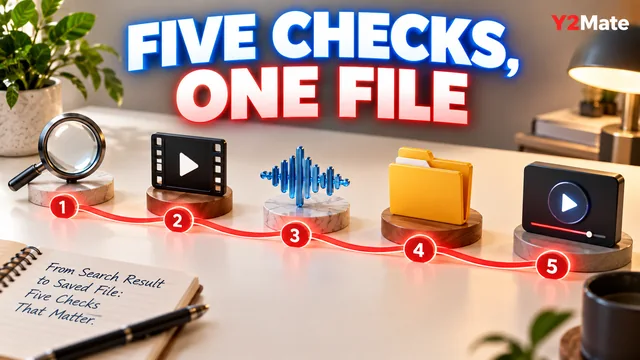
- Wait until the browser transfer is complete.
- Confirm that the item is the intended audio or video file.
- Choose a descriptive name and preserve its real extension.
- Open the renamed file through your normal player.
- Check a recognizable passage and the ending.
- Include a short note when the purpose or version is not obvious.
If you are sending a copy, keep the original in its known location until the handoff is complete. Avoid moving or deleting important project material while you are merely trying to improve a filename.
A useful name cannot solve every compatibility or content problem, but it removes an avoidable source of confusion. The recipient can see what the copy is for, you can find it later, and both of you are less likely to mistake a review file for the recording that should be used in the next edit.