The Same MP4 Extension Can Hide Different Video Formats
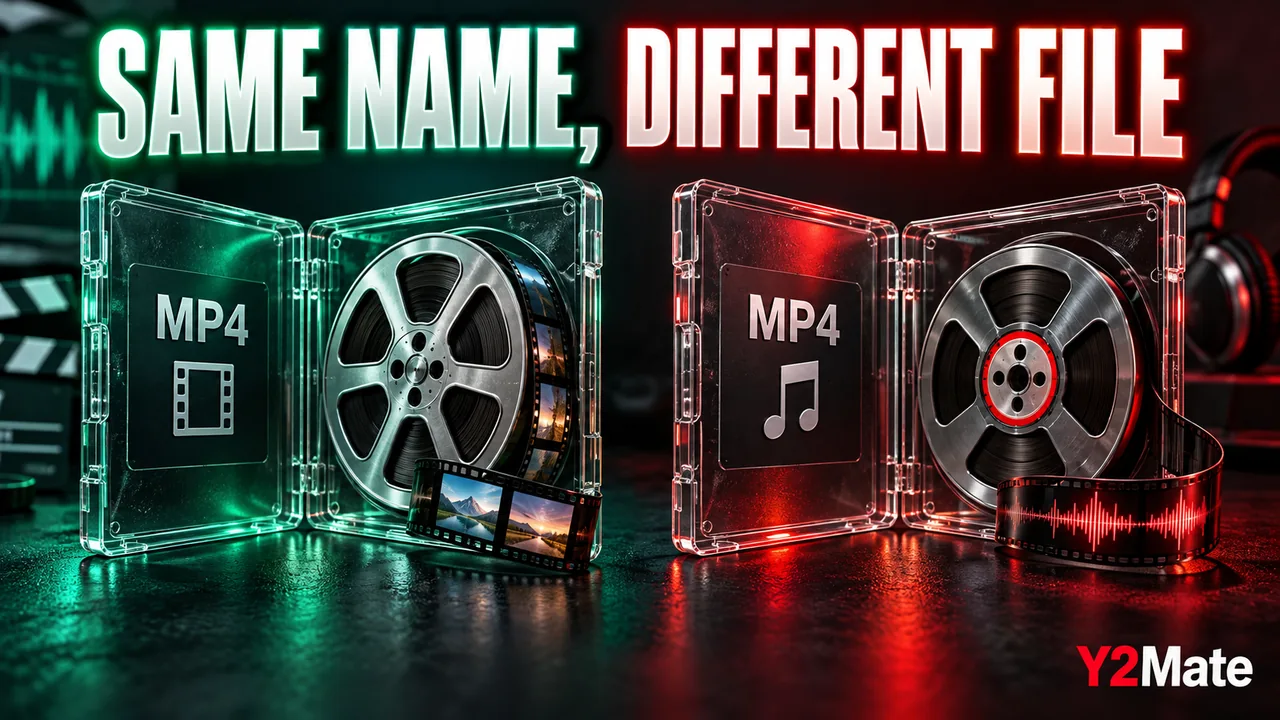
Two files can both end in .mp4 and still behave differently in the same player. One may open normally while another has no sound or will not start. If you downloaded an available authorized copy through Y2Mate, the extension is a useful starting point, but it is not a full description of everything inside the file. Understanding the difference between a container and a codec makes the next check more precise.
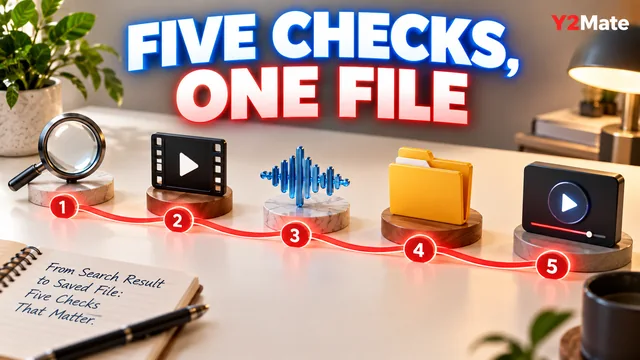
There is no need to memorize a large compatibility table. Begin with three questions: what holds the media, how is the picture encoded, and how is the sound encoded? Then compare those facts with the player or device you want to use. A familiar name alone cannot establish that the whole combination is supported.
The container is the package
MP4 is a media container. It organizes streams and related information into a file. Depending on how that file was made, those streams can include video, audio and other data. Think of the container as the organized package rather than as a guarantee about the precise encoding of each item inside it.
A codec describes how media is encoded and decoded. The video stream and audio stream can use different codecs because they represent different kinds of information. A player must handle the relevant combination to reproduce the expected picture and sound.
This distinction explains a common surprise: recognizing the MP4 container does not automatically mean a device supports every possible video or audio stream that could be stored in it.
Use a hypothetical comparison carefully
Suppose a phone plays two MP4 files, but a television plays only one. That observation shows a difference in the outcome; it does not establish the cause by itself. The files may differ in codecs, profiles, dimensions, other technical settings or whether the transfer completed correctly. The television's software and playback method can also matter.
Do not assume that the file with the larger size is the incompatible one or that a shorter video must be easier to play. Size and duration are useful details, but they do not replace format information. Likewise, a successful preview in a browser is not a guarantee about an older USB player.
For the sound side of this comparison, the MP4 picture and sound checks provide a practical sequence before you investigate technical details.
Collect the information your player exposes
Many players offer a media-information or file-details view, although its name and location vary. Use the documentation for the player already on your device rather than installing an unfamiliar utility from a download prompt. Record only what the player actually reports; do not infer a codec from a marketing label.
- The complete filename and extension.
- The reported duration and file size.
- The container, if identified.
- The video codec and dimensions, when shown.
- The audio codec and channel information, when shown.
- The player, device model and exact error or behavior.
This list creates a useful comparison between a working file and a problematic one. Missing information is acceptable; mark it as unknown instead of filling the gap with a guess.
Renaming the extension does not convert the media
Changing a filename from one extension to another does not rewrite its encoded contents. A file renamed to end in MP4 is not thereby made into a valid, supported MP4 video. The new name can instead make the file harder to identify or open correctly.
Conversion requires a process that reads the source and creates the intended output. Even then, the available options and source limitations matter. On the YouTube to MP4 downloader page, inspect the output choices actually offered for the supported recording. Do not assume an option exists because a general article describes that format.
If you need a different delivery format for your own project, keep the original and make a separate version with an appropriate tool. Confirm that the resulting file plays on the destination rather than trusting its new extension alone.
Check the exact destination
A phone, browser, television and car stereo can have different playback capabilities. Even different ports or playback methods on the same product may have different requirements. Read the support information for the exact model and method you plan to use. The USB player compatibility article explains why the storage device introduces another set of details.
Try one permitted test file before preparing a large collection. Keep the source copy unchanged, and avoid reformatting a drive or replacing working software as an early troubleshooting step. A small reversible test is easier to understand and safer to undo.
The useful lesson is not that MP4 is unreliable. It is that the container name describes only part of the file. Matching the actual media information to the destination gives you a concrete basis for a playback decision.