A File That Plays on Your Phone May Not Play from a USB Drive
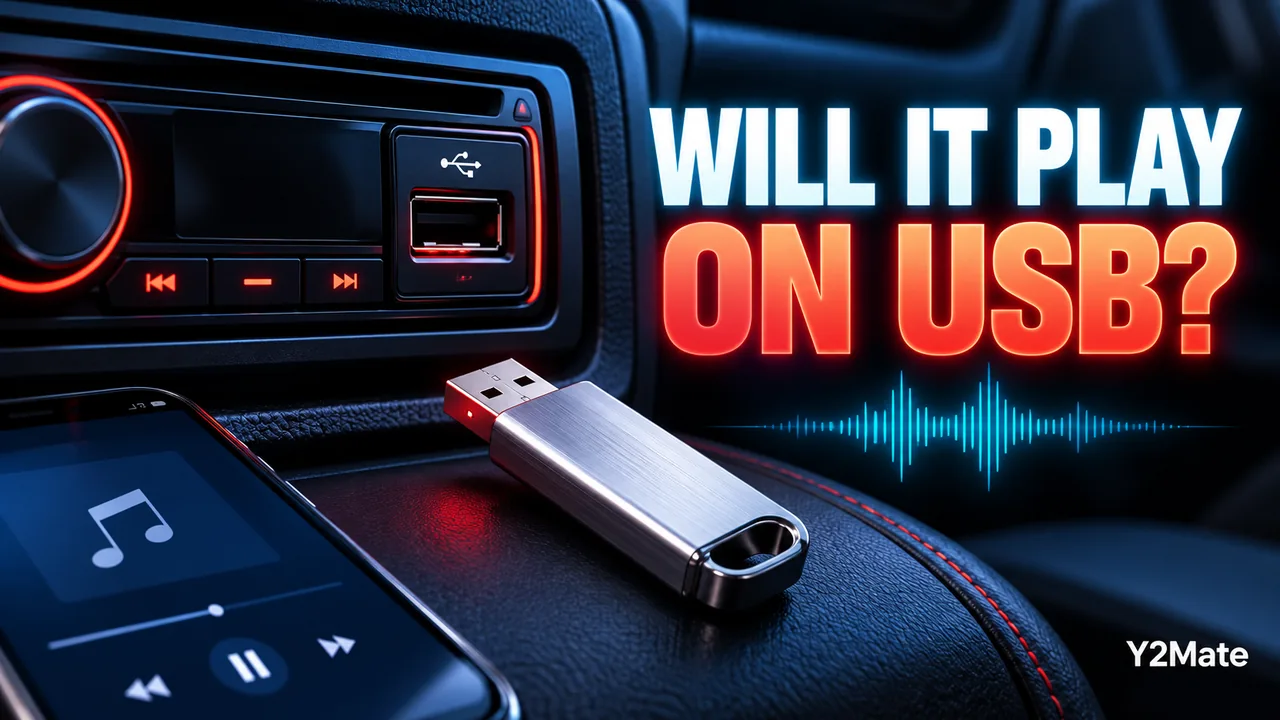
Successful playback on a phone does not prove that a car stereo, television or standalone USB player will accept the same file. Each destination has its own requirements. After using Y2Mate to prepare an available audio or video copy you are allowed to save, check the exact device before building a large USB collection. One carefully chosen test file can reveal more than a folder full of untested downloads.
There are several layers to keep separate: the media format, the encoded streams inside the file, the drive's filesystem and the particular port or playback method. An error at any one layer can make a familiar MP3 or MP4 appear unusable. Guessing from the extension alone skips much of the information the destination may need.
Identify the exact player and port
Find the model name and the documentation for the device you will use. Similar-looking products can support different media. Even ports on the same product can have different purposes, so check the intended port rather than assuming that every USB socket handles the same files.
A port may be intended for charging, a particular connected-device mode or supported storage playback. The device's own instructions are the appropriate place to establish that behavior. Do not force a connection or change system settings based on a generic claim that all USB media should work everywhere.
For a vehicle, perform any setup and troubleshooting while safely parked. A file compatibility test should never become a reason to operate menus or handle storage while driving.
Separate the file from the storage format
The drive's filesystem describes how files are organized on the storage device. MP3 or MP4 describes the media file, not the drive. A player can support a media format yet fail to read the storage arrangement containing it. Conversely, a drive can be recognized while an individual video uses unsupported encoding.
This article is not an instruction to format or erase your drive. Formatting can remove existing data, and it is not a sensible first experiment when you have not established the device's requirements. Keep important files safe and inspect the current situation before considering any destructive change.
If the manual specifies a supported filesystem or capacity range, compare that requirement with your actual drive using the normal information tools available on your computer. Mark details you cannot verify as unknown instead of assuming compatibility.
Check the media information that matters
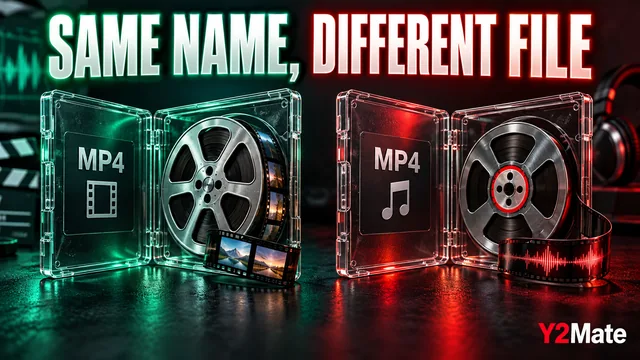
For MP4, the container name does not identify every audio and video codec inside it. A destination may support some combinations and not others. The container and codec explanation helps you collect the relevant details without pretending that renaming a file changes its contents.
For an audio-only task, review the available choices on the YouTube to MP3 page. Confirm the source and inspect the options actually offered. Do not assume that a particular bitrate, channel layout or format is available for every source or accepted by every player.
Device documentation may also describe filename or folder limitations. Follow the exact product guidance when such limits matter. A simple recognizable name can make a test easier to find, but it is not a substitute for the stated media requirements.
Use one non-destructive test copy
Start with a short recording you own or are authorized to use. Keep the original on your computer or phone, and copy the verified delivery file to the drive using your normal file-management workflow. Do not move the only important original as part of the experiment.
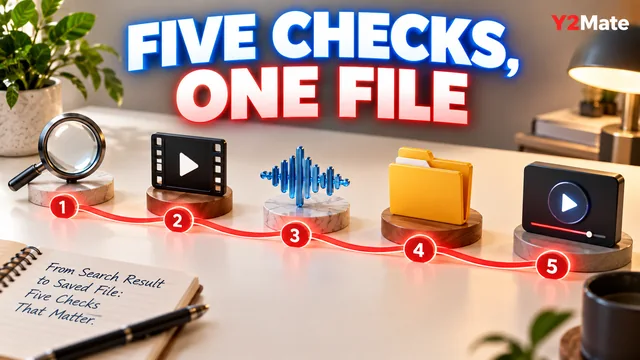
- Confirm the file plays on the source device.
- Identify the destination model and intended USB port.
- Compare the drive and media details with the documentation.
- Copy one permitted test file without changing existing important data.
- Use the device's documented connection and removal procedure.
- Check the opening, a middle passage and the ending.
If the player does not recognize the drive, investigate that layer first. If it sees the drive but not the file, the next questions concern file support, folders and naming. If it lists the file but cannot play it, media compatibility or file integrity becomes more relevant. These are observations, not guaranteed diagnoses.
Keep the successful result understandable
Once a test works, note the specific combination: player model, port, drive and file characteristics. That is useful evidence for your setup. It is not proof that every file with the same extension will work or that another model behaves identically.
The clear filename article can help keep test copies recognizable without altering their genuine extensions. Avoid a folder full of nearly identical names that makes it difficult to remember which version actually passed.
A cautious single-file test preserves your originals and gives you a concrete basis for the next decision. It is far more informative than repeatedly converting media or erasing a drive without knowing which compatibility layer needs attention.